Free
$0 every day
- 1 video every day
- Full quality, every size goal
- No watermark, no ads
- Date, place and HDR kept

Video Compressor: Leve
Leve shrinks a video on your iPhone to an exact target: under 18 MB for email, 10 MB for Discord, or any number you pick. Date, place and HDR stay. The video never leaves your phone.
1 video a day free. Leve Pro is $9.99 once.

Sunset at Galata
Fits Email
1.2 GB 17.4 MB
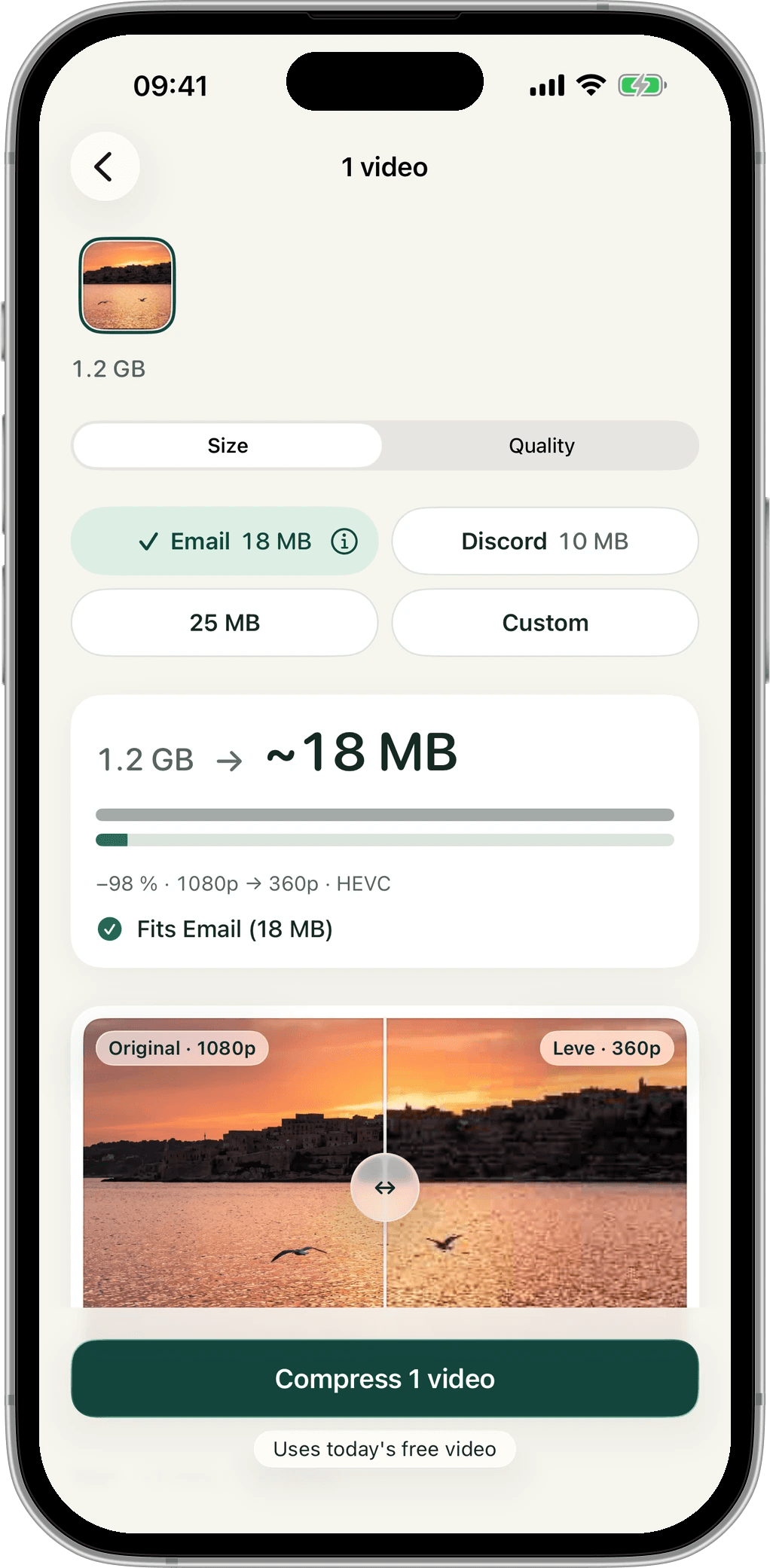
Leve asks one question: where is this video going? It works out the rest, and tells you before it starts whether the result will fit.
Use Apple’s photo picker. Leve sees only the videos you choose, not your whole library.
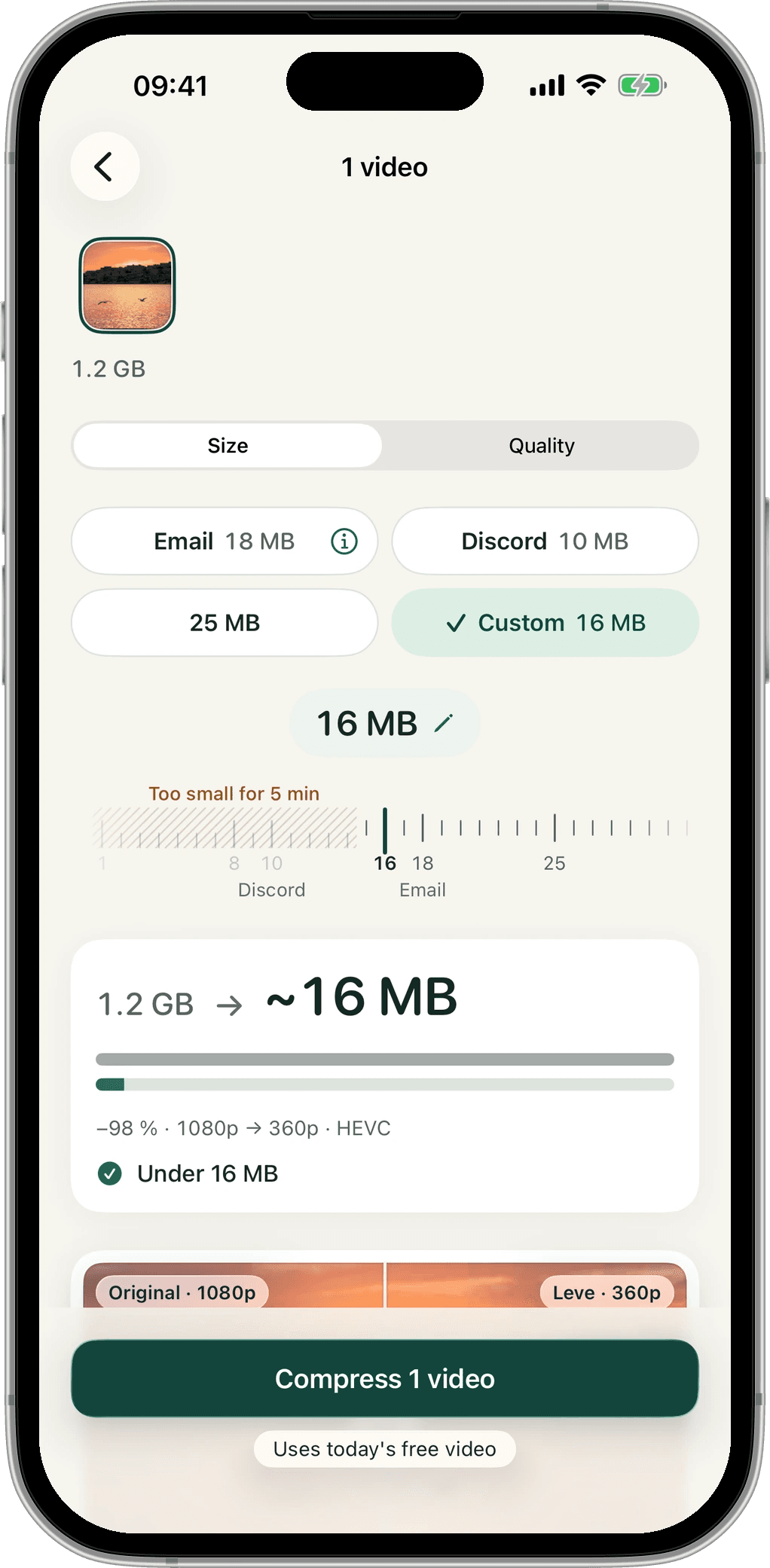
Email, Discord, 25 MB or your own number. A live estimate shows the final size and a clear yes.
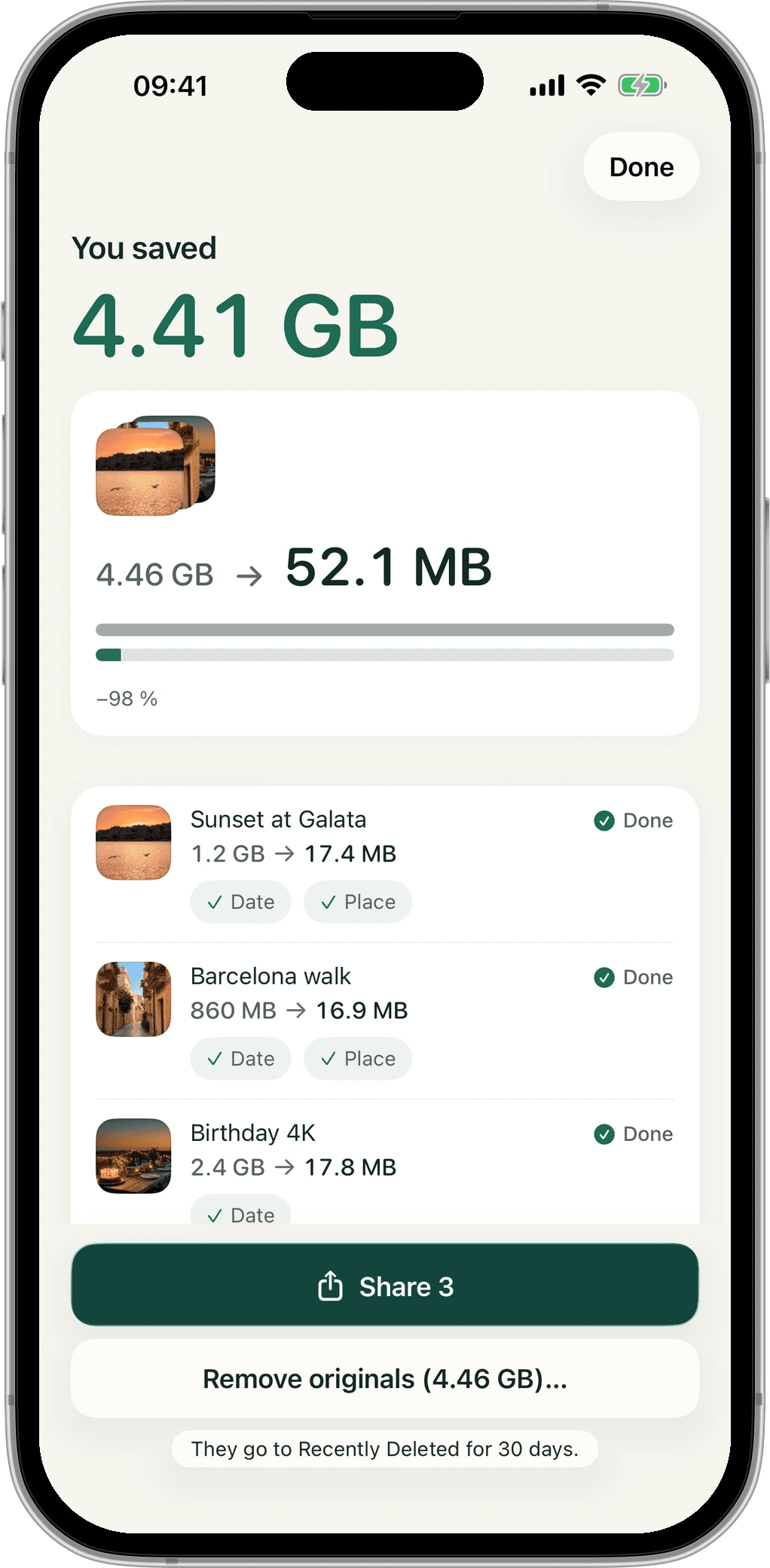
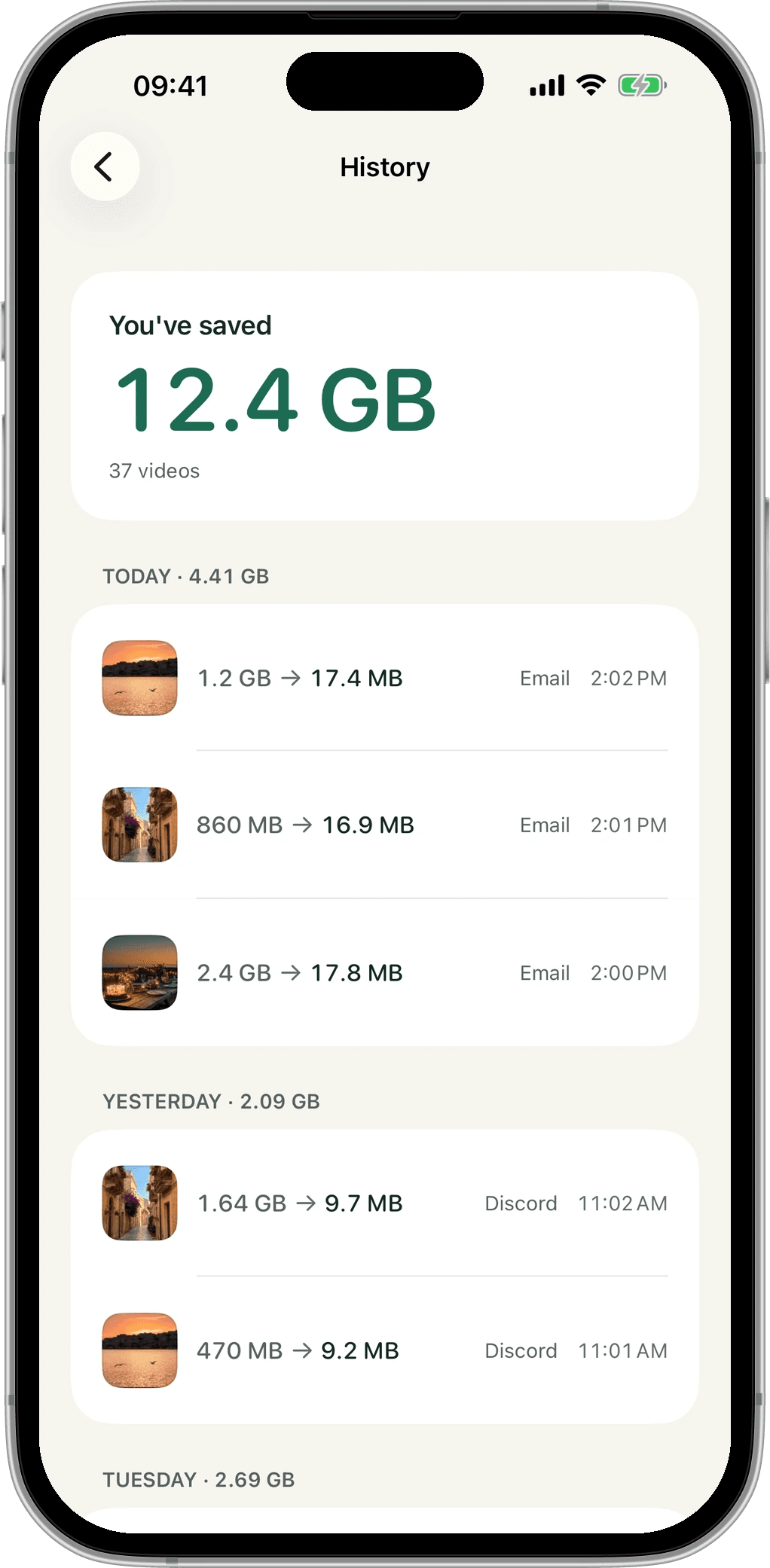
A lighter copy lands in Photos next to the original, with the same date and place. Share it straight from the result.
A 1.2 GB clip became 17.4 MB. The two squares are drawn to scale.
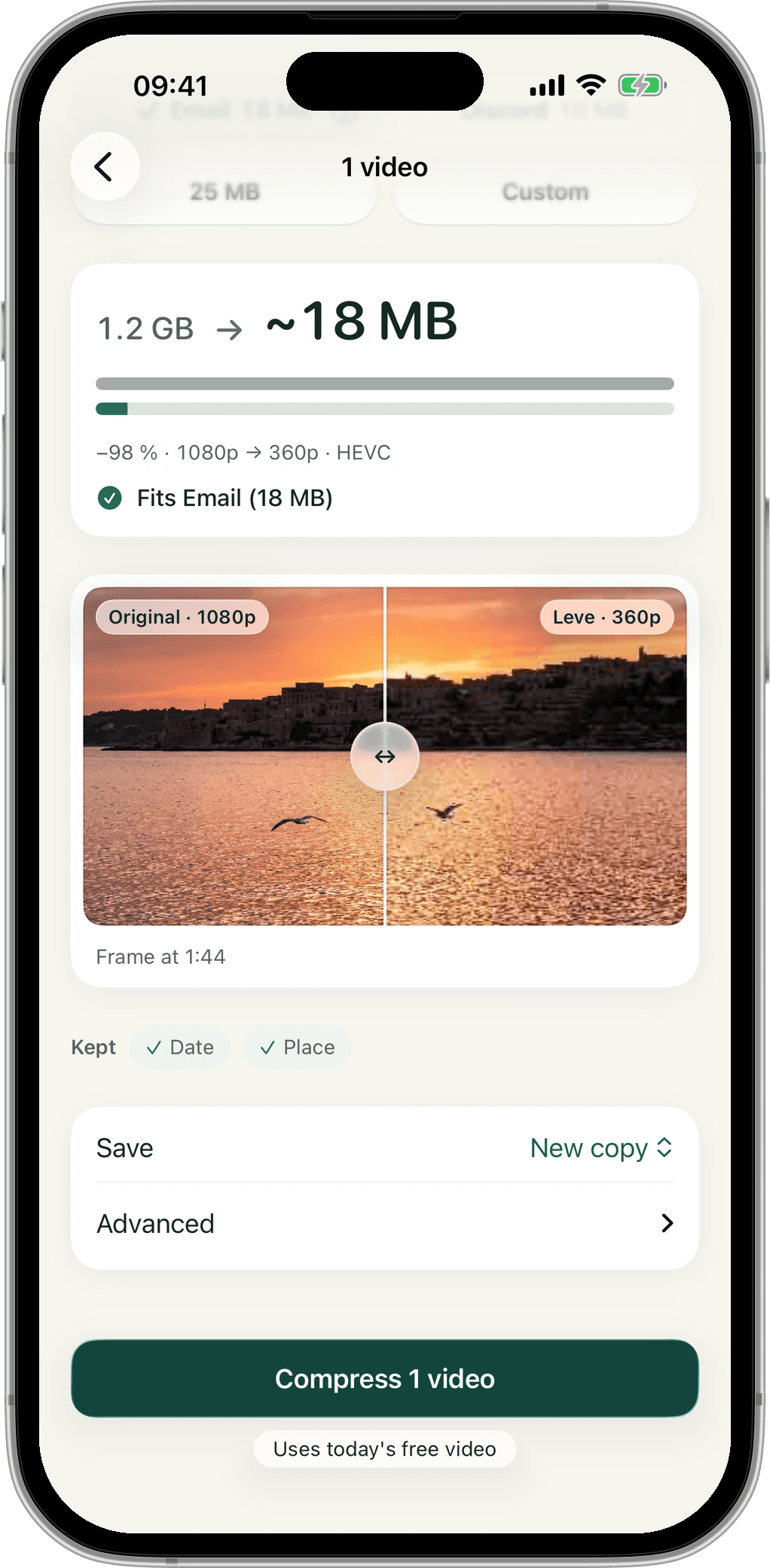
Drag across a real frame, encoded with your exact settings, right on the setup screen. Each side shows its resolution.
Email 18 MB, Discord 10 MB, 25 MB or Custom. If a video can’t reach a size, Leve says so and suggests the smallest one that works.
HDR stays HDR. Dolby Vision videos are saved as HDR, so they stay bright on HDR screens.
The copy keeps its capture date and location, so it sits in the right spot in your Photos timeline.
Every video is compressed on the device. Nothing is uploaded, and there’s no account to make.
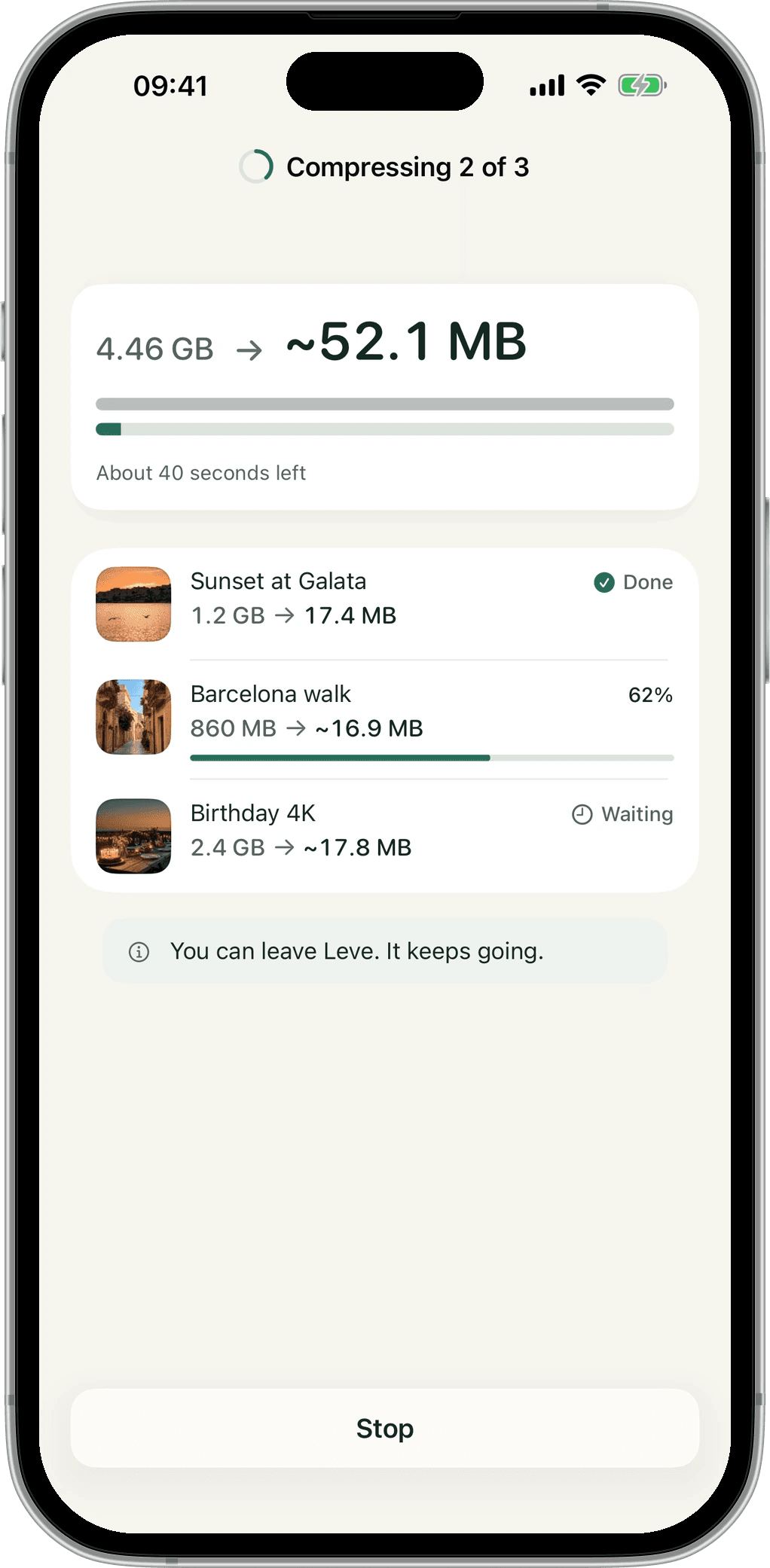
Select many videos at once. The queue shows every row and picks up where it stopped.
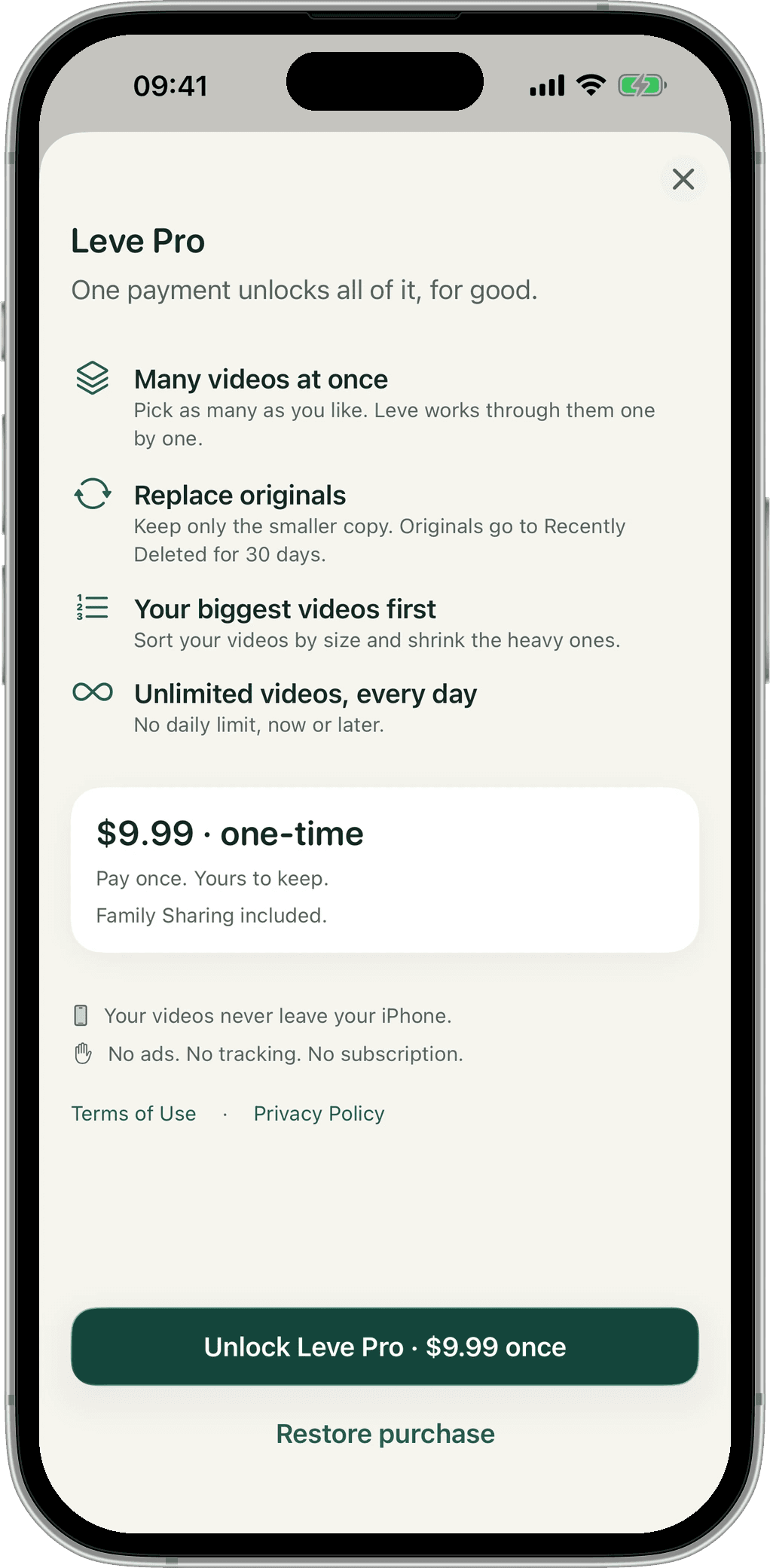
Replace or remove originals only after the smaller copy is saved. They wait in Recently Deleted for 30 days.
Real screens from the app.
Compression happens entirely on your iPhone, so there is nothing to upload.
Videos are compressed on the device and never uploaded anywhere.
Apple’s photo picker means Leve doesn’t need access to your whole library.
Only anonymous usage counts, and you can turn those off in Settings.
No subscription, no weekly plan, and no ads in either.
$0 every day
$9.99 once
US price. The App Store shows yours in your currency.
Making a video smaller always changes something, so Leve shows you first. The live estimate tells you the resolution it will use, and the compare slider shows a real frame at your settings before anything is encoded. Bigger targets keep more detail.
No. Leve compresses every video on your iPhone. The only network use is checking your Leve Pro purchase and anonymous usage counts, which you can switch off.
Compressing takes real work on your phone, and Leve has no ads and sells no data. So the free tier covers 1 video a day at full quality, with every size goal and no watermark. The limit resets daily.
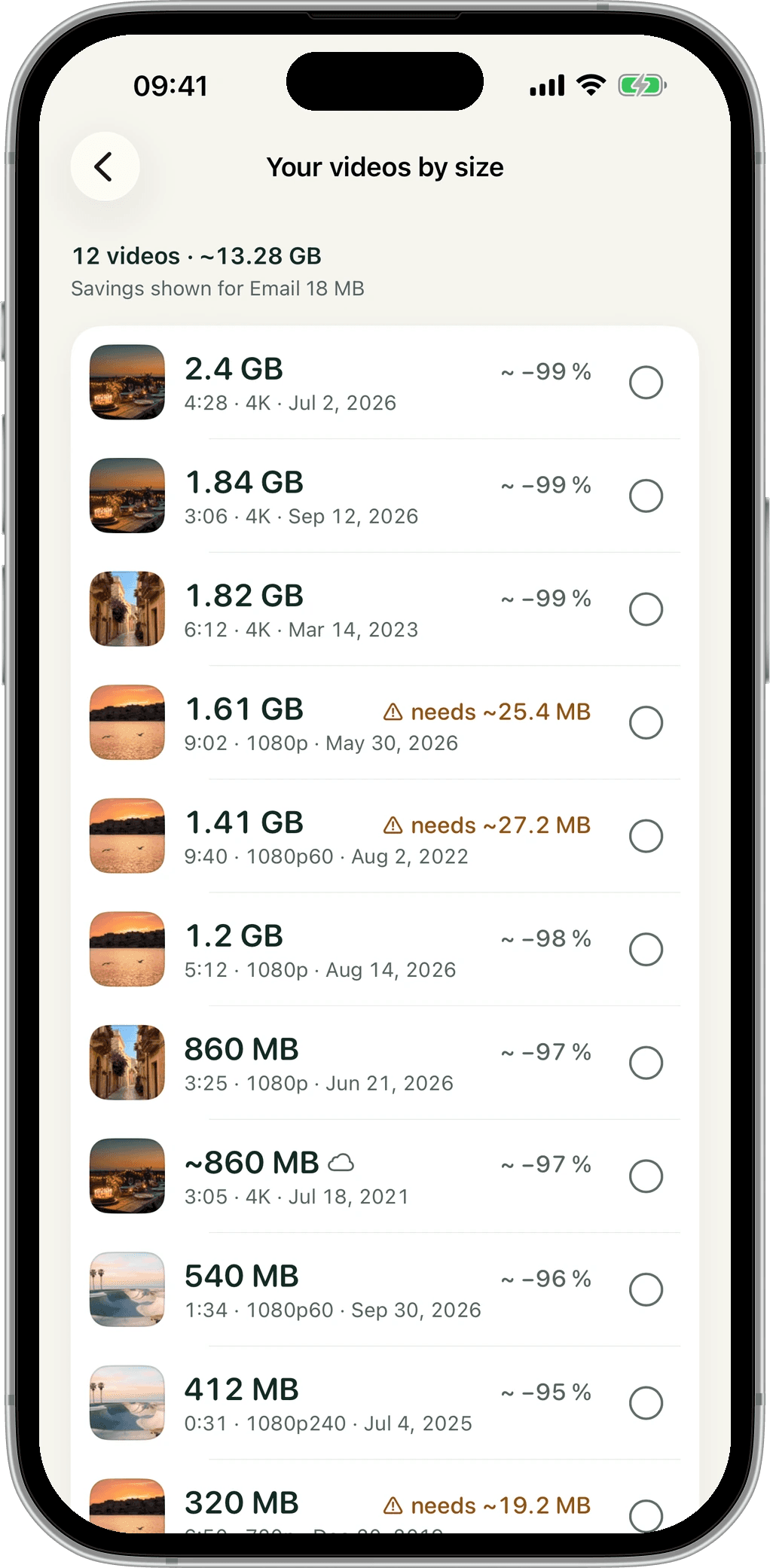
No. It’s a single purchase of $9.99. It unlocks unlimited videos, batches, replacing or removing originals and Your videos by size on every device signed in to your Apple account. Family Sharing is included.
Nothing, unless you choose. By default Leve saves a new copy. With Leve Pro you can replace or remove originals, but only after the smaller copy is saved. The original moves to Recently Deleted, where you can recover it for 30 days.
Leve keeps HDR. Dolby Vision videos are saved as HDR, so they stay bright and colourful on HDR screens.
Leve aims under your target. If a video is too long for it, Leve tells you before it starts, along with the smallest size it can reach. If a result still lands over, it says so plainly and suggests a smaller target.
Any iPhone with iOS 18 or later.
Yes. The Compress Video action lets you add Leve to your own shortcuts.

Free to download. 1 video a day, full quality, no ads.
Download on the App Store